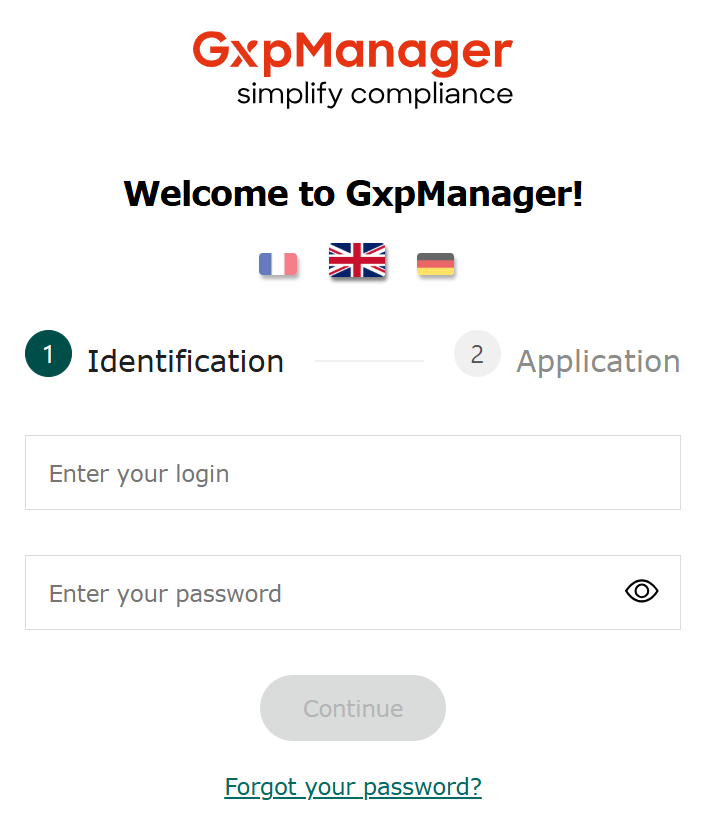
After logging in, you can choose the application you wish to access.
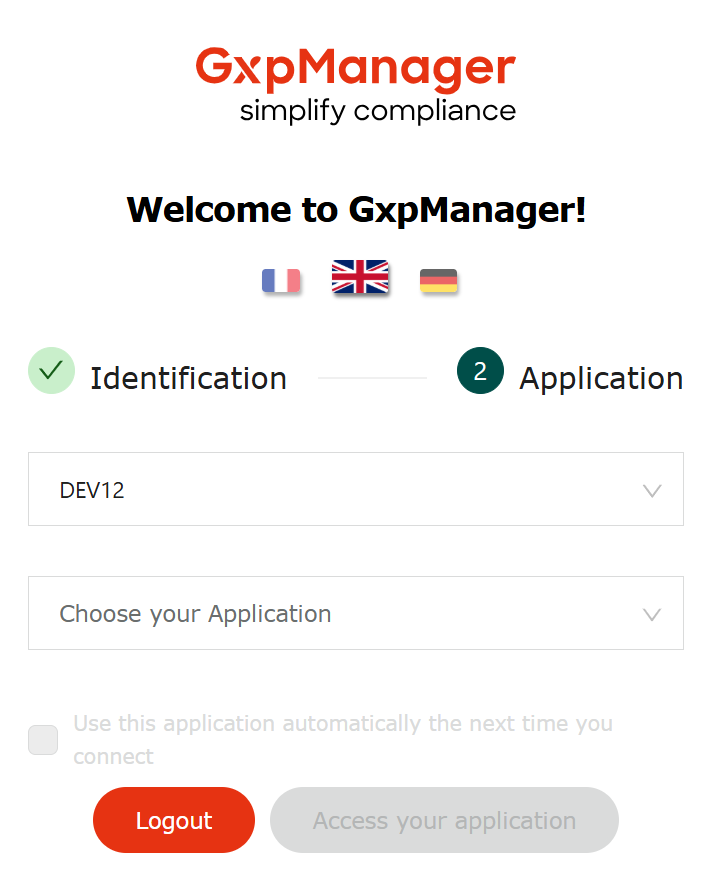
Choose an instance by scrolling down the “Choose your Instance” list
Choose an application by scrolling down the “Choose your application” list
Click on “Access your application”
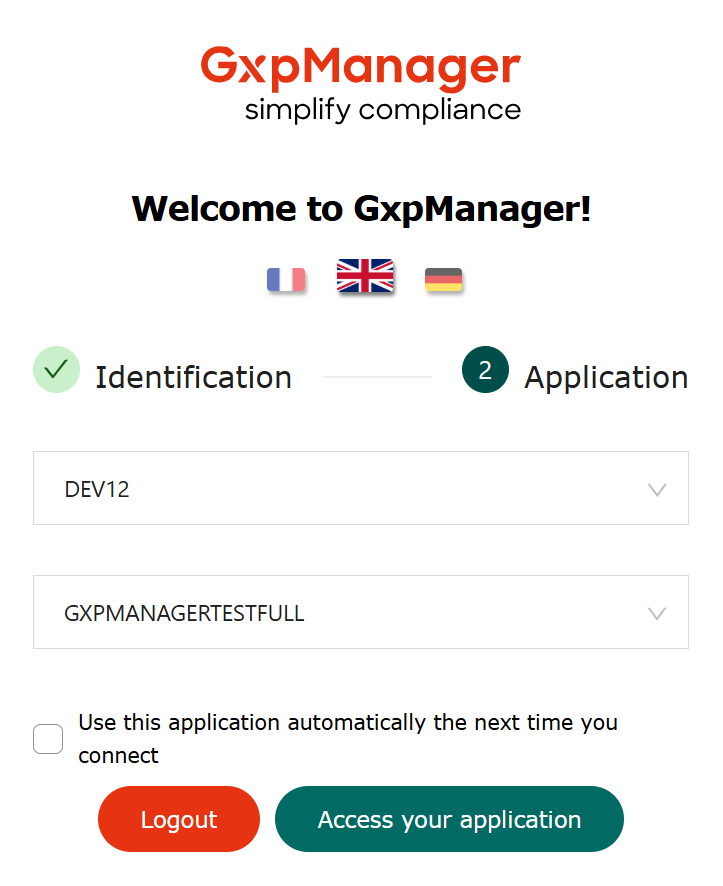
The “Go to your application” button takes you to the home portal of your chosen application.
Information
The “Automatically use this application next time you log on” checkbox allows you to access the application you’re connecting to directly the next time you log on, simply by entering your user ID and password.
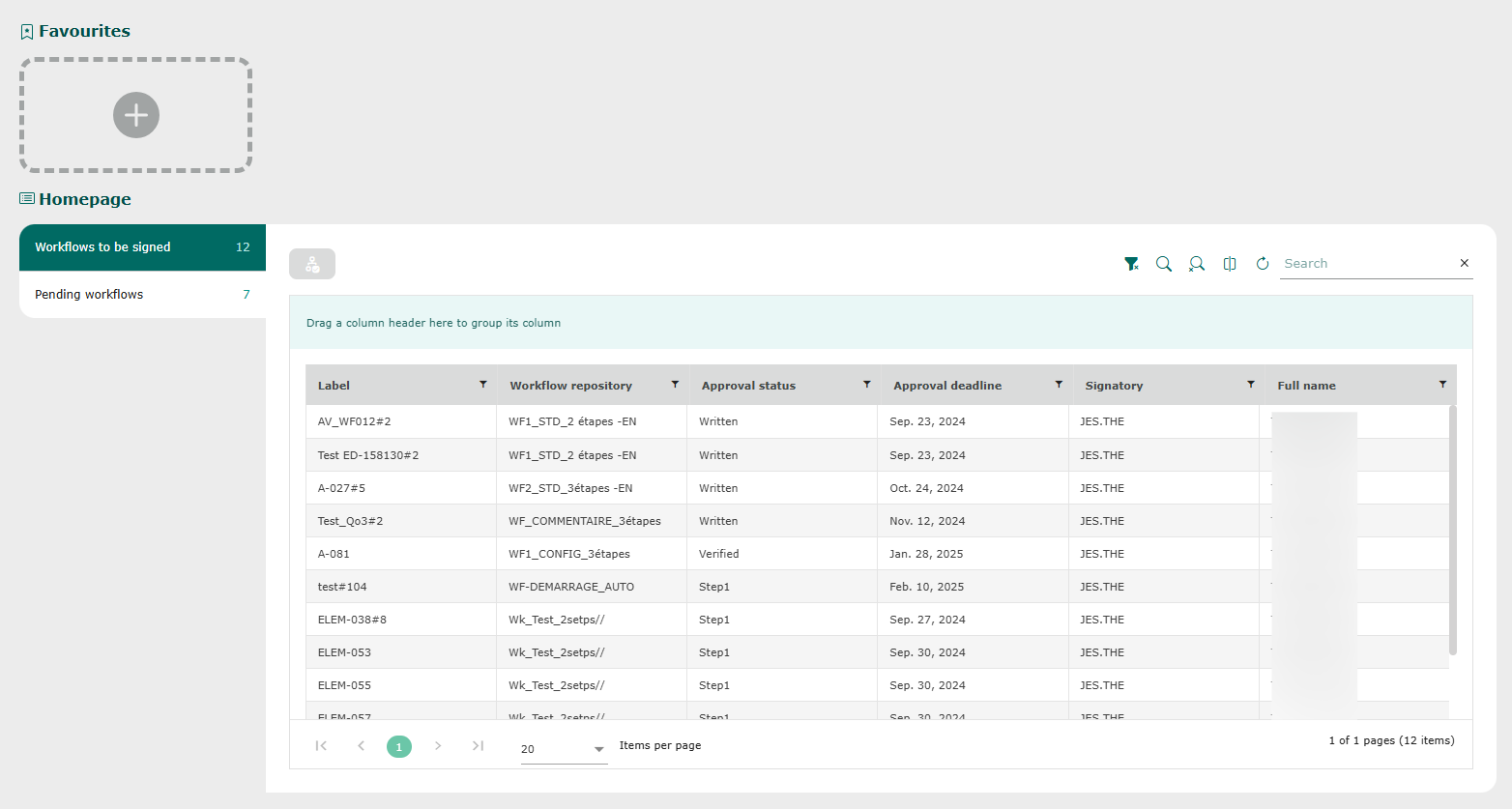
Application homepage
You are logged in: