
Accessibility
Access to graphics is subject to user rights management.
Graphic selection
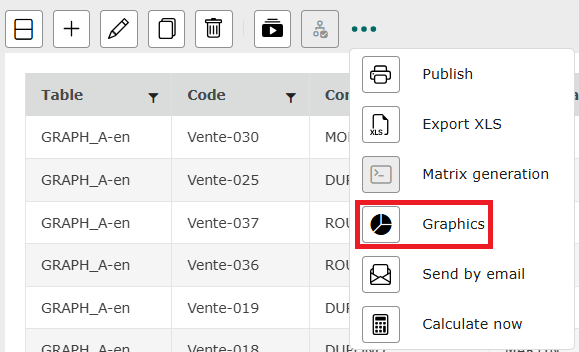
Configured graphic indicators can be viewed from the administrator interface. To view a graph, place the mouse cursor on the “…” to the left of the toolbar and click on the graph icon .
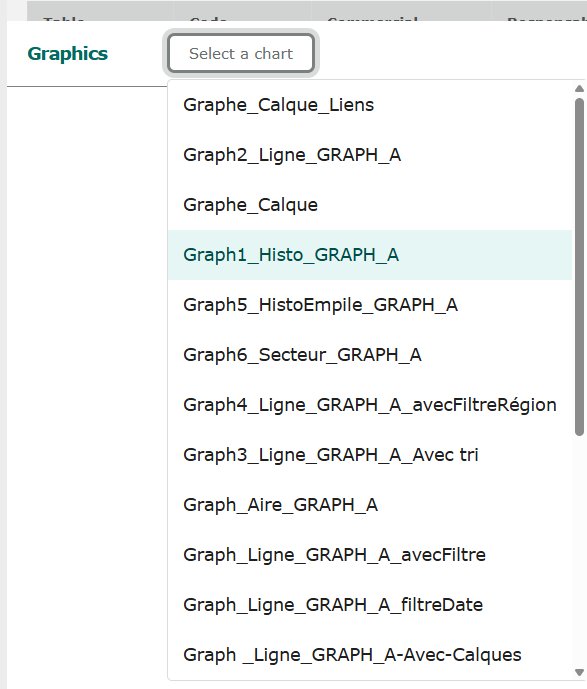
A window opens at the bottom of the page. Select the graph you wish to open from the graph drop-down list.
Viewing graphics
The selected graphic is displayed.
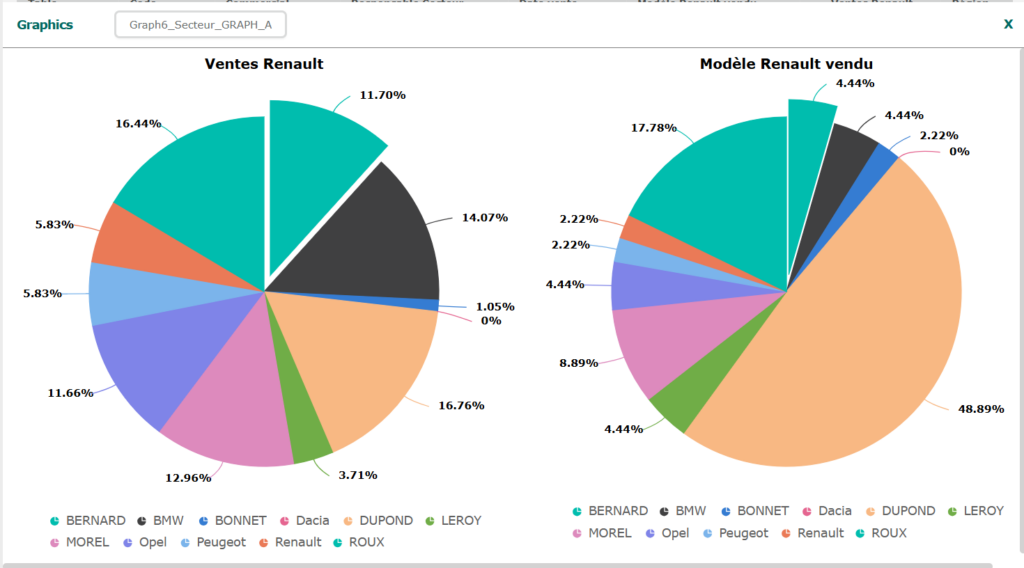
To close the graph and return to the grid records, click on the cross at top right.