Accessibility
This function is available whenever you can access a table that has been configured to allow scripting.
Once configured in the Administrator interface (FULL), it is possible to launch a script on an element from a table grid.
- Select a recording
- Open the bottom tab using the double-tab button
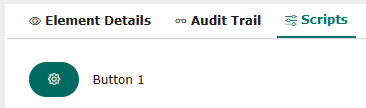
- Click on the Scripts tab to see the names of the scripts available for this element
- Click on the script you wish to run
- Once the script has been run, an information banner indicates that the element has been updated.