Accessibility
The selection of data to be integrated into a traceability matrix is subject to user rights management.
Traceability matrices can be used to extract data from different tables with a link between them (composition link or traceability link).
Customized traceability matrices can be created from the administrator interface.
Selecting a traceability matrix
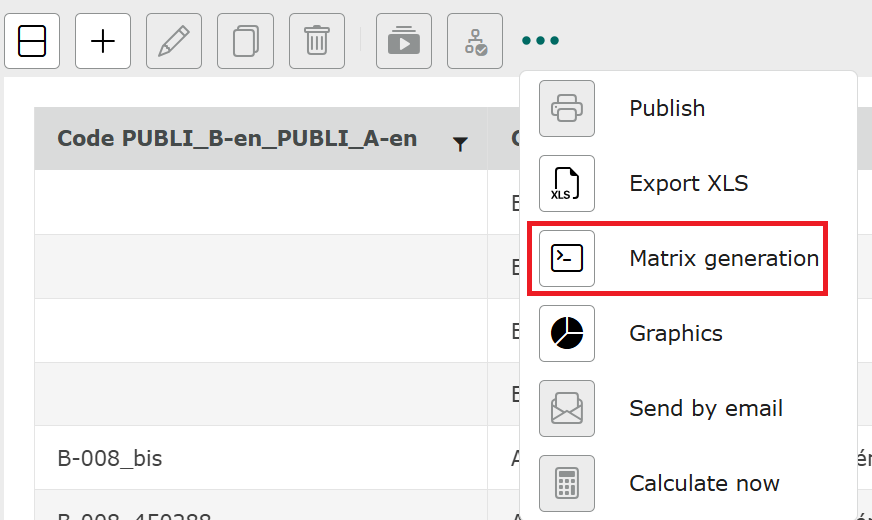
To select a matrix, click on the “…” icon in the toolbar. 
From here, click on “Matrix generation”.
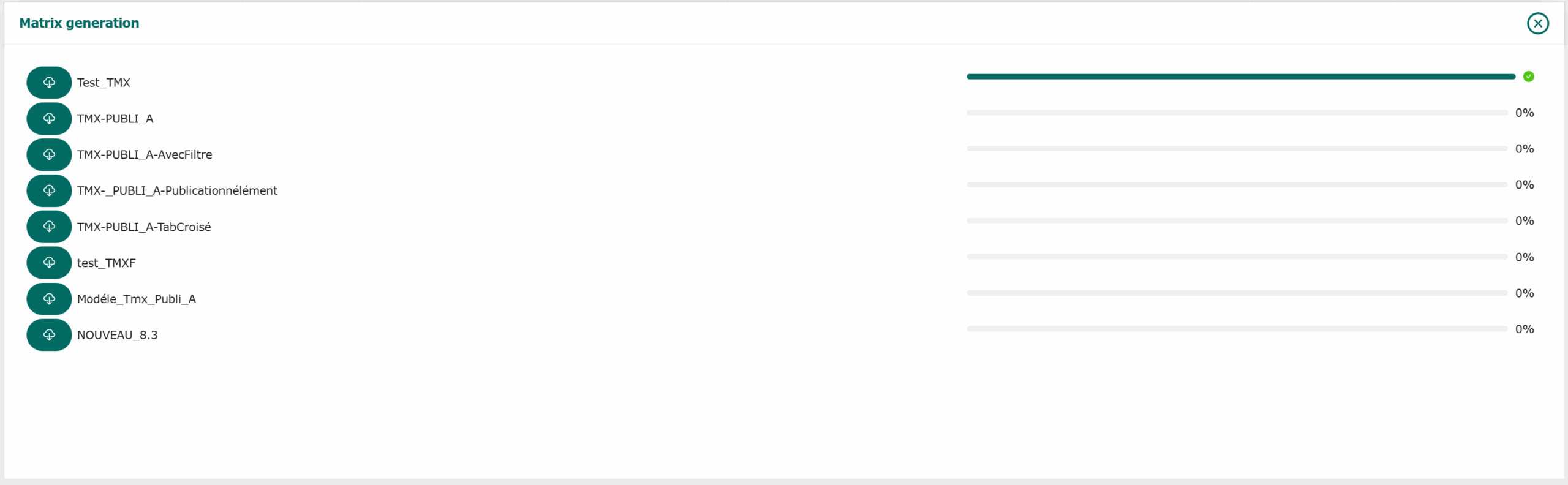
The Matrix Generation window opens at the bottom of the page. Select the matrix you wish to generate. Once selected, the application will generate an xlsx file corresponding to the traceability matrix defined by the administrator.
A download bar shows you the current status. When 100% is reached, a green tick appears, indicating that the matrix has been generated.