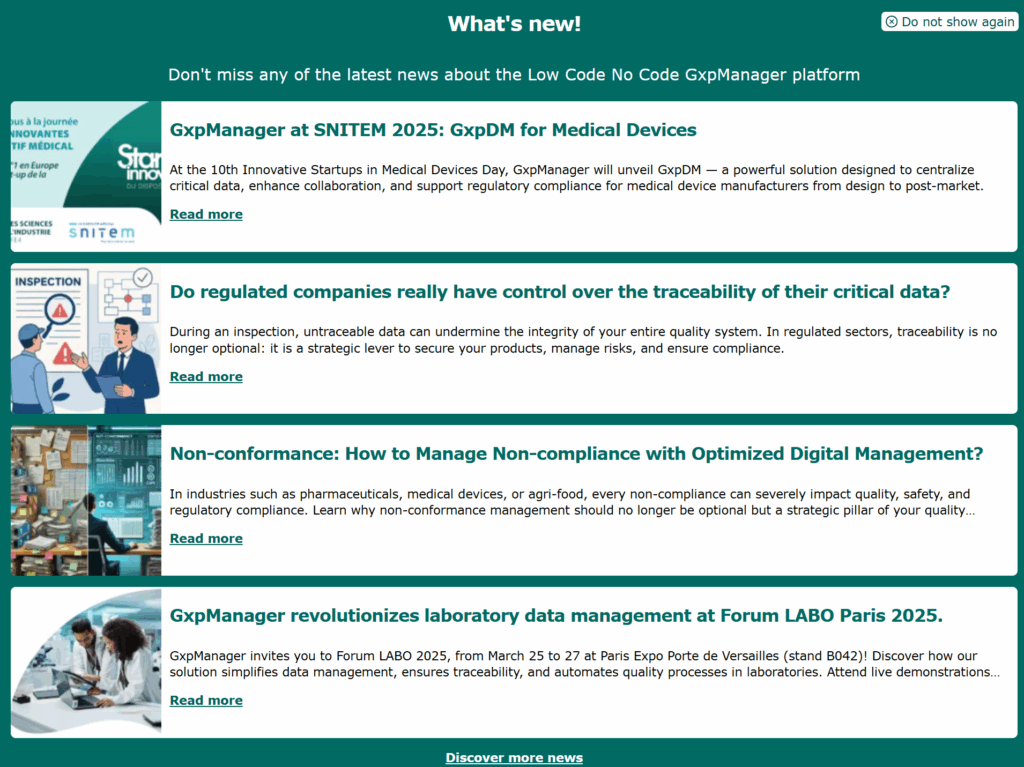
The GxpManager home page allows you to take a number of actions.
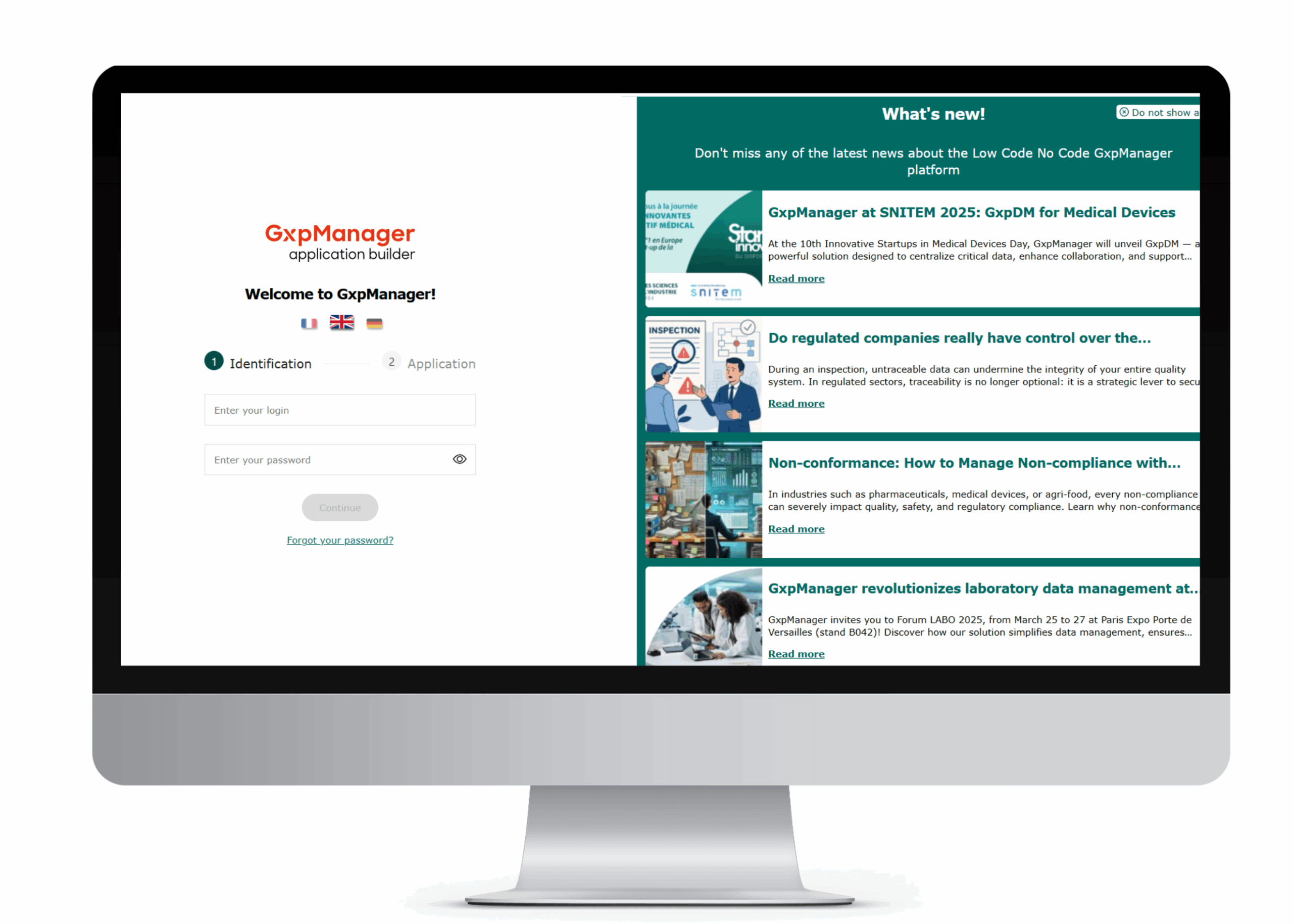
Language selection
You can choose the language in which the application is displayed. This must be selected before logging on. You can choose between English, French or German. By default, the connection is in French.
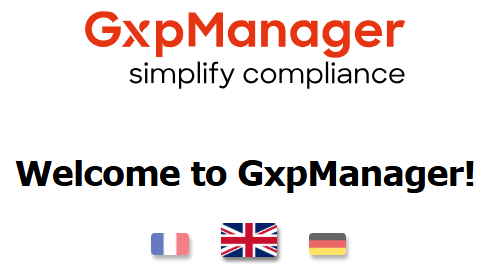
What’s new?
What’s new provides information on GxpManager in 3 categories, depending on what’s new.
Click on “Read more“, to be redirected to the GxpManager site in the tab containing the information corresponding to the selected item.
Click on “Discover other new features“, to be redirected to the GxpManager site in the “All resources” section.
Click on “Don’t show again” at the top right of the page to hide the What’s new section!