Accessibility
This interface is accessible as soon as you can log in and consult items.
Element audit trail management
- Click on the “Two tabs” icon in the toolbar

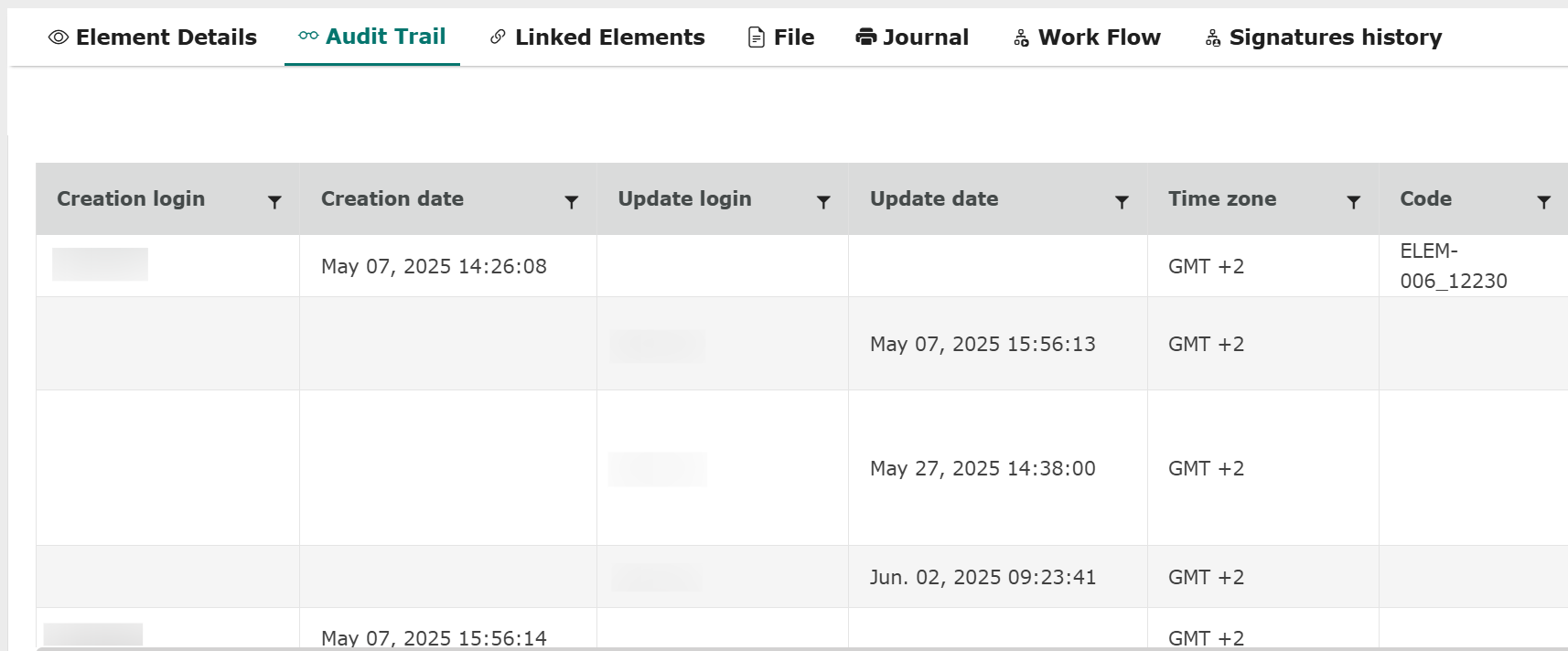
- View the “Audit Trail” section at the bottom of the screen.

The new window displays the following information:
- Element data
- Element creation date
- User creation login
- Element modification date
- User modification login
- Time zone
This gives you the status of the data before and after modification: