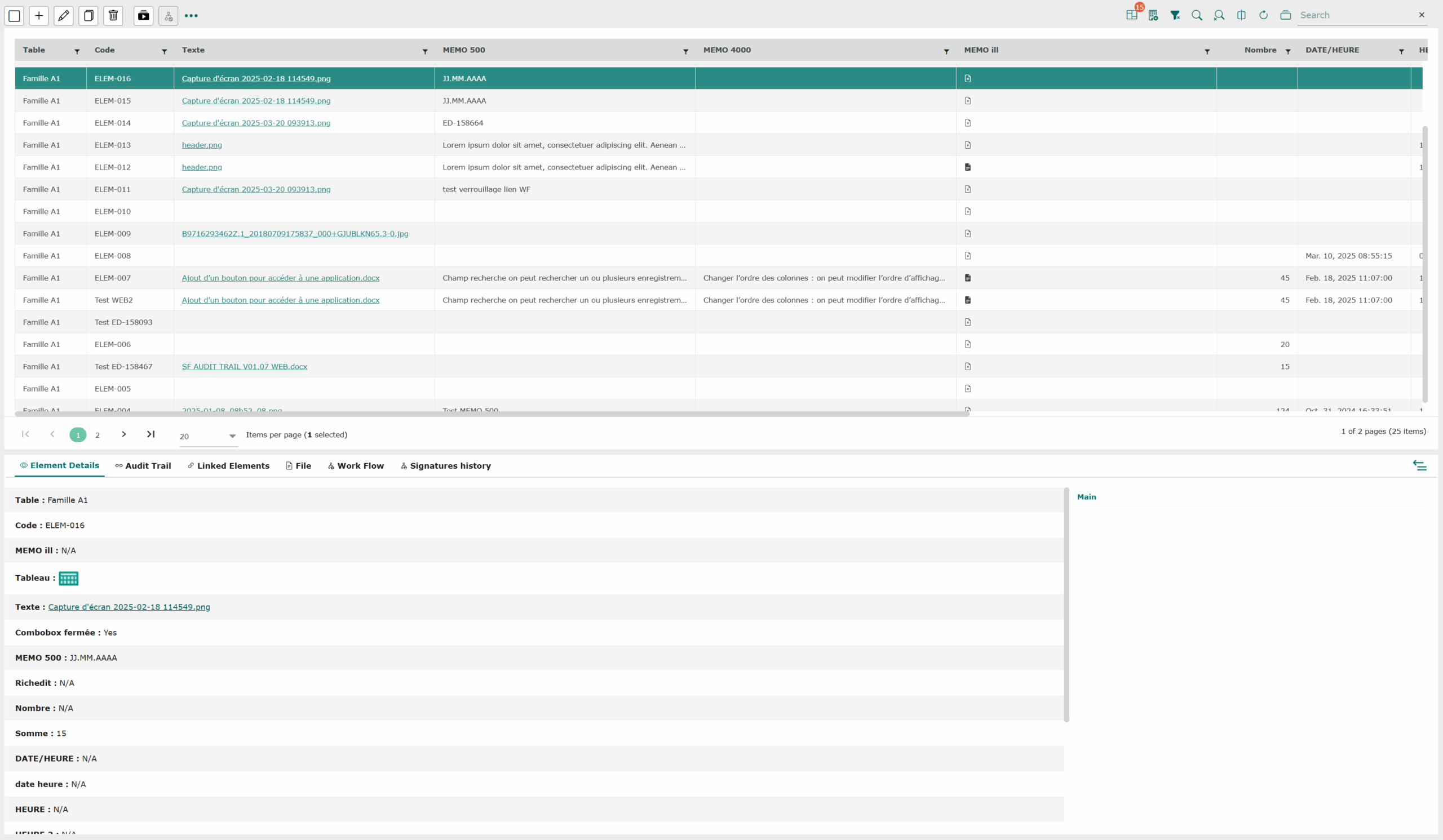
To view a record :
- Click on a record.
- Click on the pencil in the toolbar or double-click on the element
 .
. - The form opens in edit mode and the record data is visible.
- On the right-hand side, you have access to “item details” and “links”.
- The Previous/Next arrow lets you switch from one element to another while remaining in the editing form.
Information
You can’t open the form of several records in the grid to view them at the same time.
- You can also use the dual-screen mode to view more details. Click on the “Two tabs” icon (top left) after selecting a record.
- View the “Item details”, “Audit trail”, “Linked items”, “File” and “Workflow” of the item when it has them.