Accessibility
The notification function is accessible to all users of the application.
Sending registration data
Recording data can be quickly sent by e-mail.
To do this, select a record, click on the “…” icon on the right of the toolbar, then click on “Send by e-mail”.
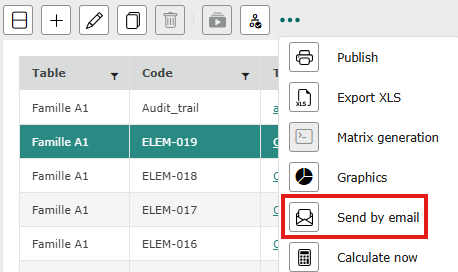
Multiple recordings can be selected.
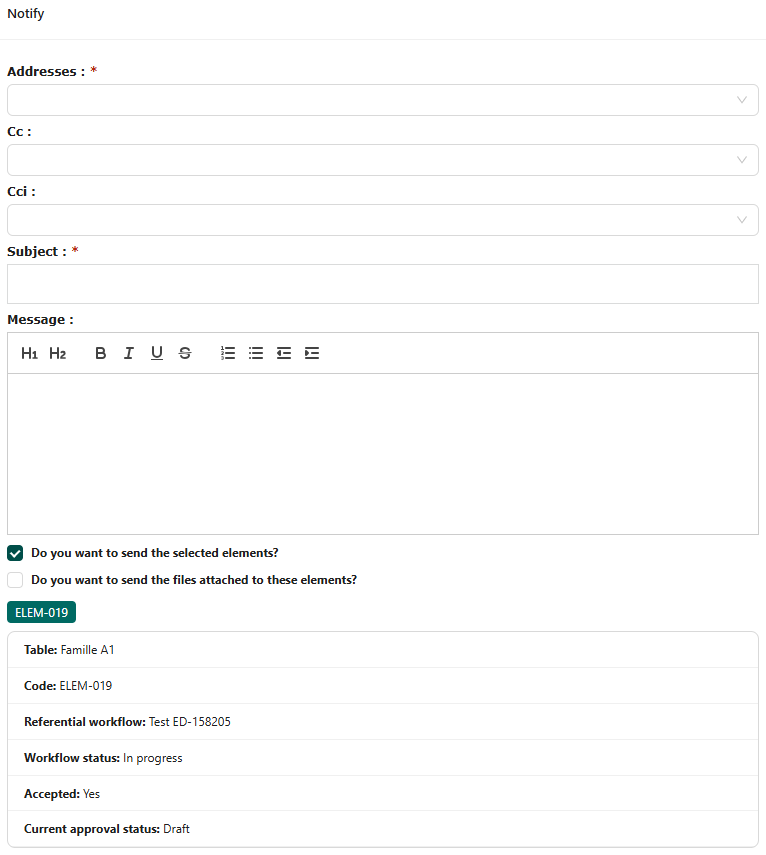
A pop-up window opens, in which you must enter the recipient’s email address and the subject of the message (red asterisk). It is also possible to write a message and send the files attached to the item before clicking on “send”.