
To change your password :
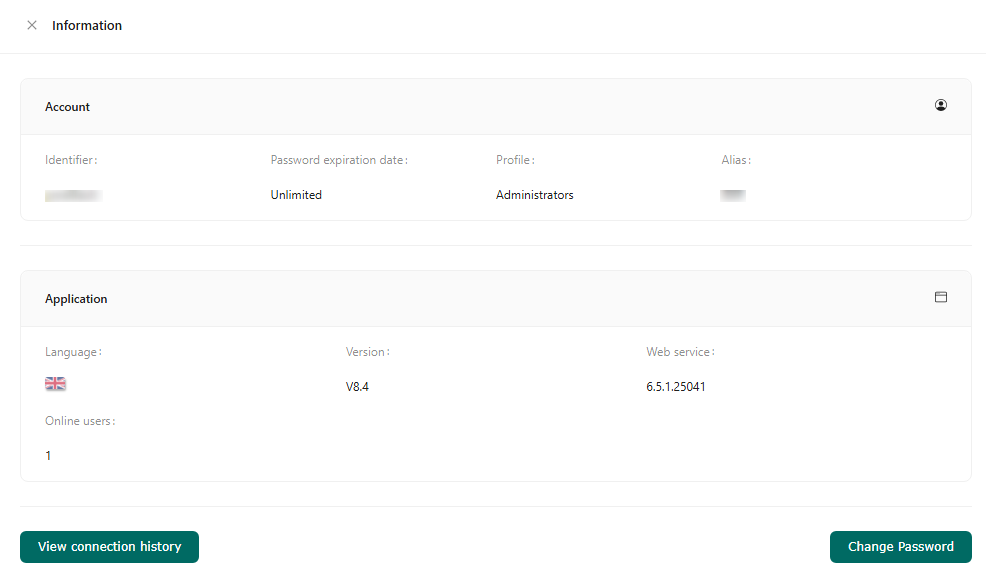
- Open the user menu in the top right-hand corner of the application header. Click on ‘Information’.
- Click on ‘Change password’.
- A new browser window opens, allowing you to set a new login password. This page allows you to redefine the password associated with the login (user name) entered, so that you can connect to the application again.
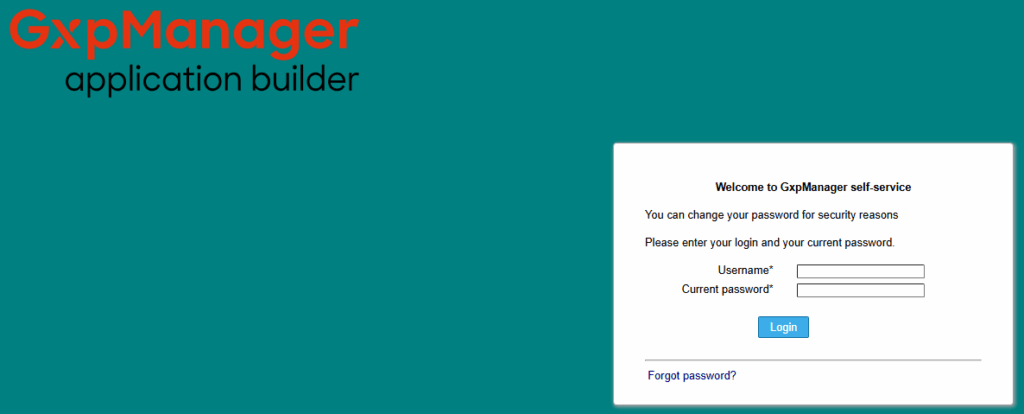
- Enter your current ‘User name’ and Password.
- If you forget your password, you can reset it by clicking on “Forgot your password? Enter your user name and a new password will be sent to you.