
Accessibility
The deletion of a record is subject to the management of the connected user’s rights.
Deleting a record in the application
To delete a record, select it in the grid and click on the “Delete” icon. in the toolbar:
The trash icon is used to delete a record from a table. To do this, click on a record in the grid and then click on the delete icon. If you select several records at once (shift+click), you can delete them all at once.
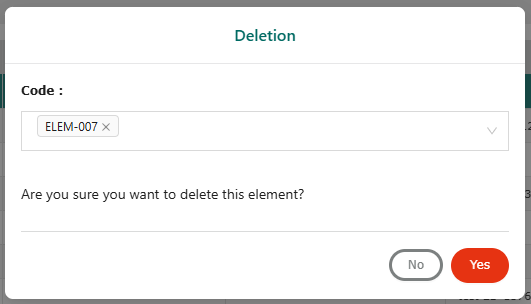
Une fenêtre pop-up de confirmation de suppression de l’élément s’affiche pour confirmer ou annuler la suppression.
- Cliquez sur “Oui” pour supprimer l’enregistrement.
- Cliquer sur “Non” pour annuler la suppression de l’enregistrement.
Information
It is not possible to delete a record when a workflow (in progress, approved, completed) is already present on the record. If deletion of a record is requested while a workflow is in progress or completed/approved, the icon is grayed out.