
Double workspace button
Clicking on the “Double workspace” button on the far left of the header opens the links grid.

We then switch from one grid (main grid) to two (main grid and links grid), by clicking on the button again (now Single Workspace).
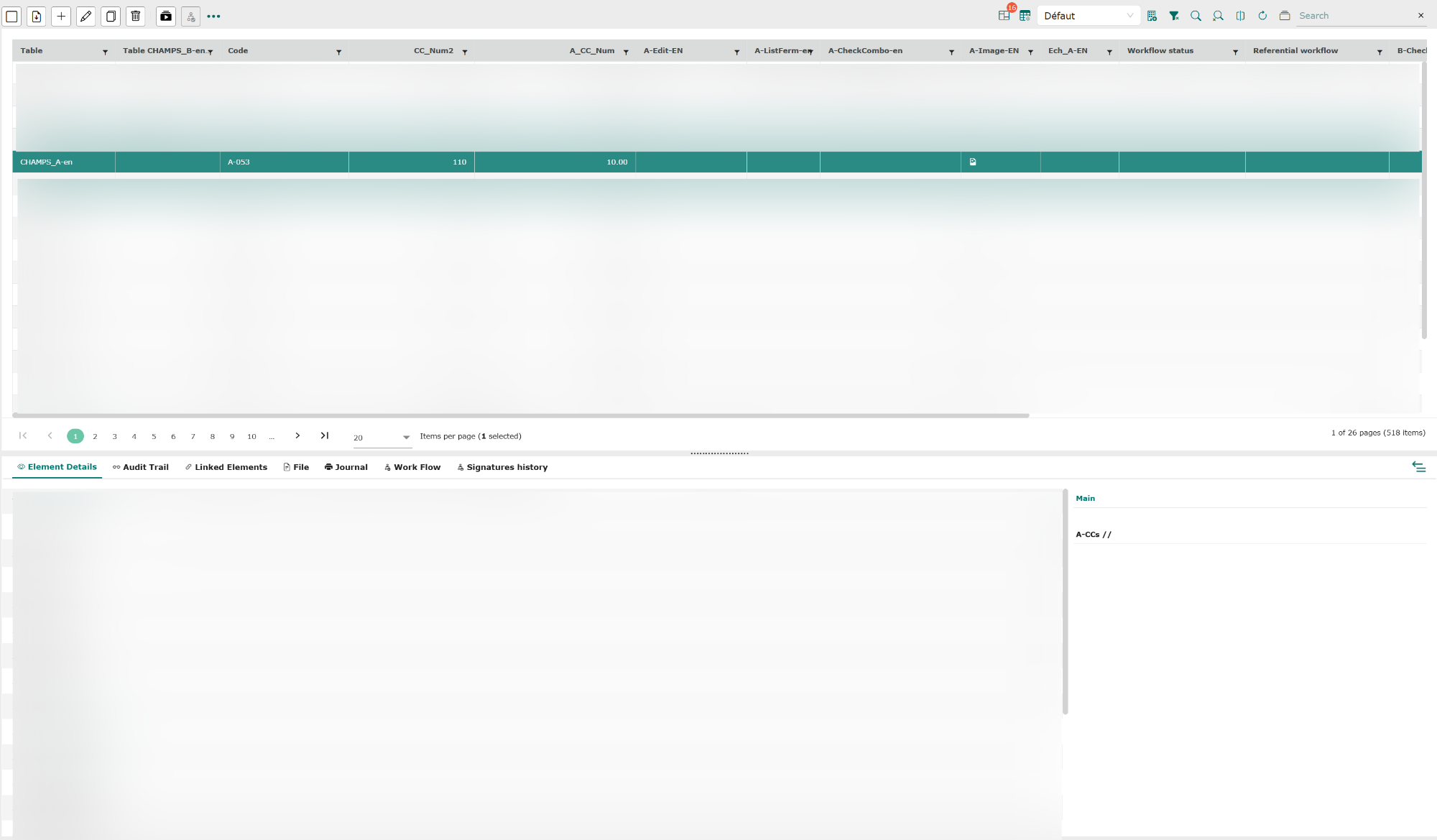
The following information can be viewed from the links grid:
- Element details : this tab displays the contents of the element’s fields (as in a form). If one or more groups have been configured in the form, they will be displayed in the right-hand part of the grid, and it will be possible to display only the fields of the main group (default display) or of the various other groups.
- Audit trail : this tab displays the audit trail for the selected item.
- Linked Elements : this tab displays traceability links, composition links and reverse composition links for the selected element.
- File : if an element field contains a document, this tab will allow you to view it, download it or print it.
- Journal : this tab displays the number of times a document has been downloaded, the user ID of the person concerned, and the date and time of the action.
- Workflow : this tab displays the workflow status, the various stages and the name(s) of the signatory(ies) for the selected element.
- Signatures history : this tab displays the list of signatories for the selected item.