Accessibility
Mass file/image import is available to all logged-in users who have creation/modification rights for the item.
Mass import
Since version 8.7, it is now possible to perform a mass import of files or images.
The feature is available in the main grid or in the links grid.
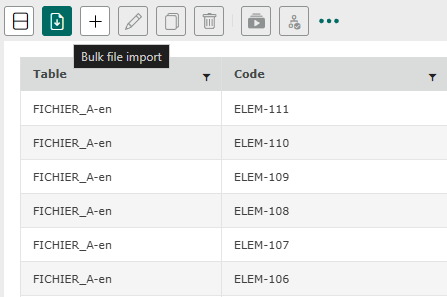
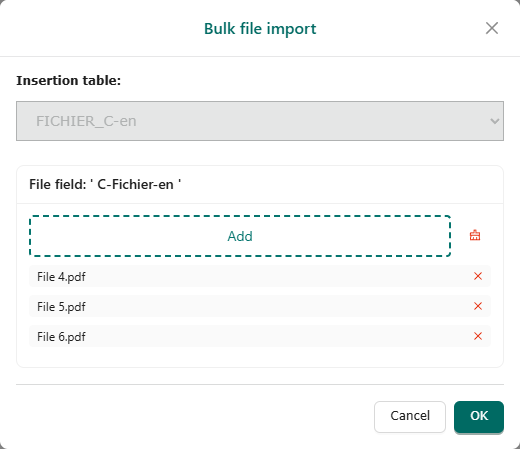
When the feature is launched, the following window opens.
It is possible to add multiple files or images simultaneously.
There are two ways to add files:
– Click the button and then select the files from the file explorer.
– Drag and drop the file into the “Add” area of the window.
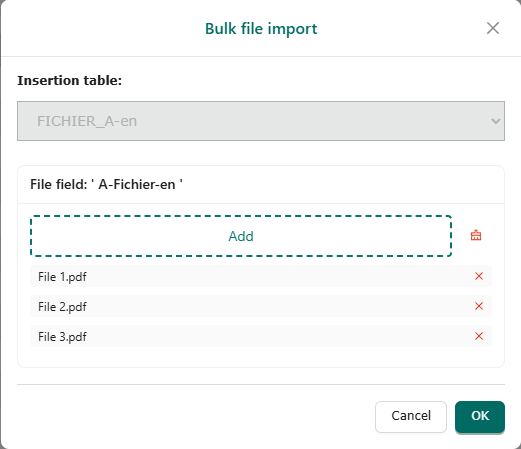
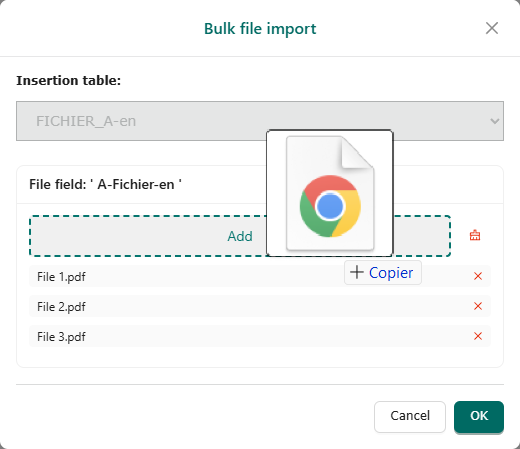
From the main grid, once the items have been selected and confirmed, the items will be created for each imported file/image.
In each item, the documents will be integrated into the “file”/“image” field.


Information
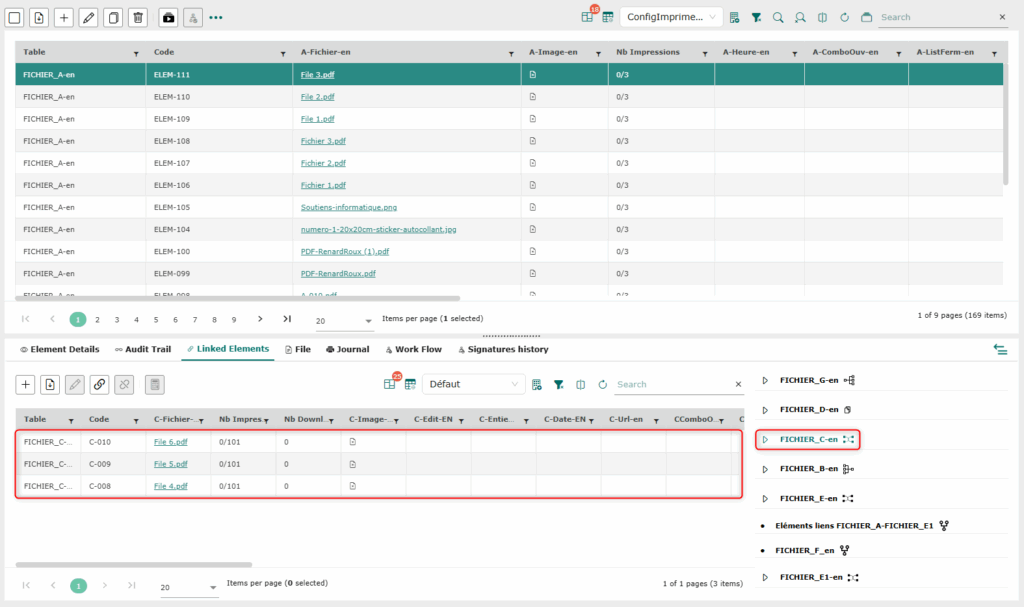
From the links grid, it is possible to create/link during mass import.
By selecting a table linked to a document type (with a file/image field), it will be possible to import in mass and thus create and link documents in mass.
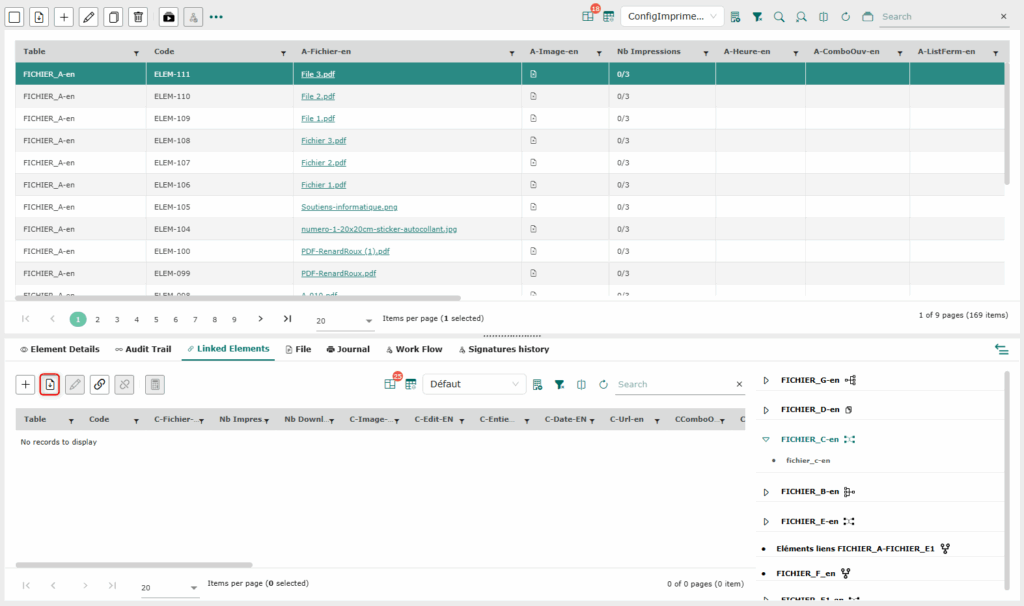
The creation steps are similar, except that in addition to creating elements containing the imported files, these files will also be linked to the selected table.