Accessibility
This feature can be configured from the FULL version of GxpManager via a defined profile (administrator or project administrator).
Print control on a file field aims to control the distribution of sensitive documents by limiting or regulating their printing. This feature is particularly important in regulated environments to prevent uncontrolled copying and ensure traceability.
Various features are available for print control:
- Print permission: option to enable or disable printing for a document or document type.
- Limited number of prints: setting a quota (0, 1, 2, 3 prints, etc.).
- Profiles authorized to exceed the limit: certain roles may be exempt.
- Mandatory justification: option to require a reason in case of exceeding the limit.
- Display indicators on the print button to signal restrictions.
- Display of the number of remaining prints.
- Added a setting to allow or disallow file downloads (complement to print control).
- Each printout can be saved with the date and user login.
- Option to add a personalized message or legal notices to the printed document.
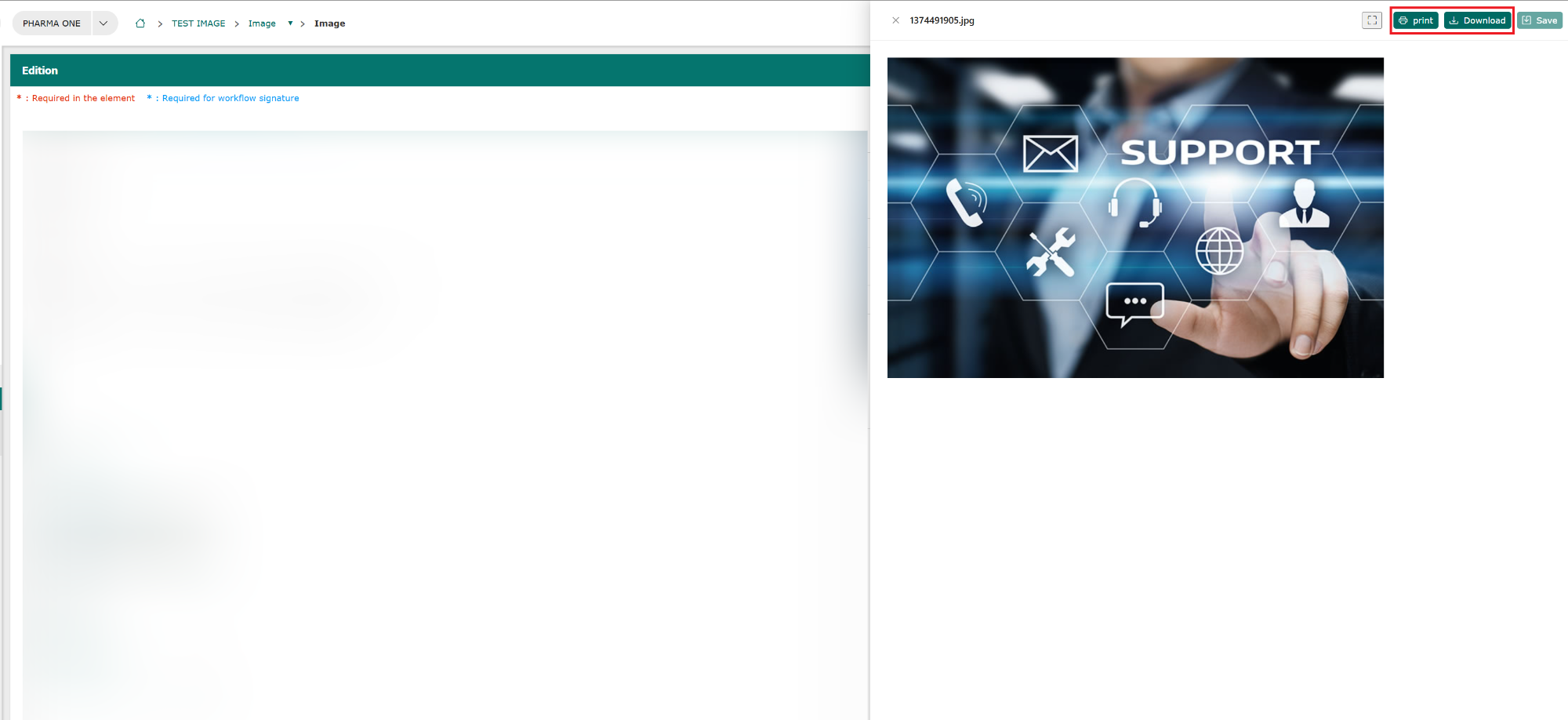
It is possible to print or download a file from the grid:
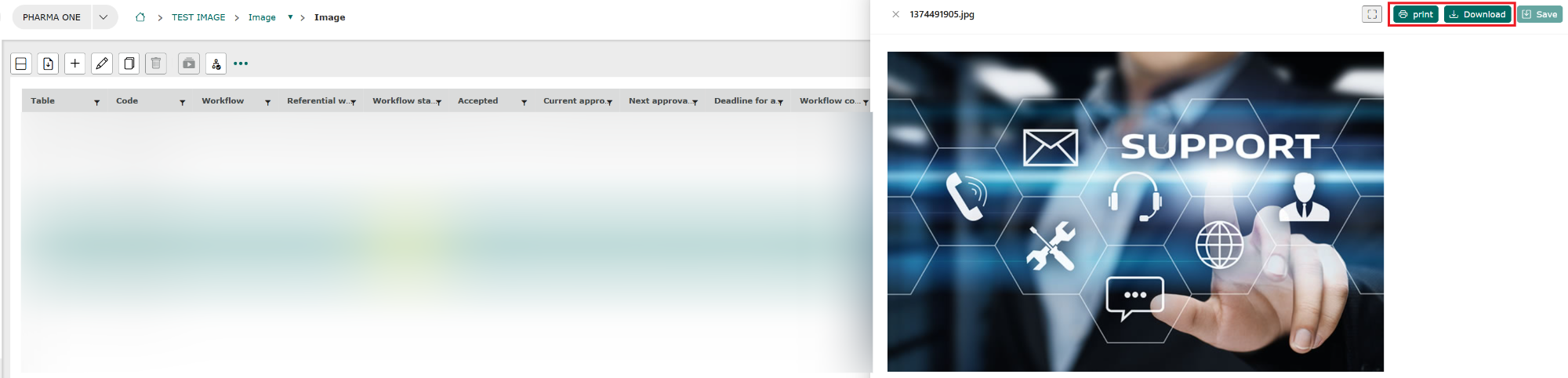
Or from the form: